
Network Modernization · Newton, Kansas
From 17 Access Points to 5: A Simpler, Safer Church Network for FBC Newton
A carefully documented UniFi migration replaced an aging, confusing wireless environment with verified coverage, controlled public access, cleaner infrastructure, and a network the church can manage confidently.
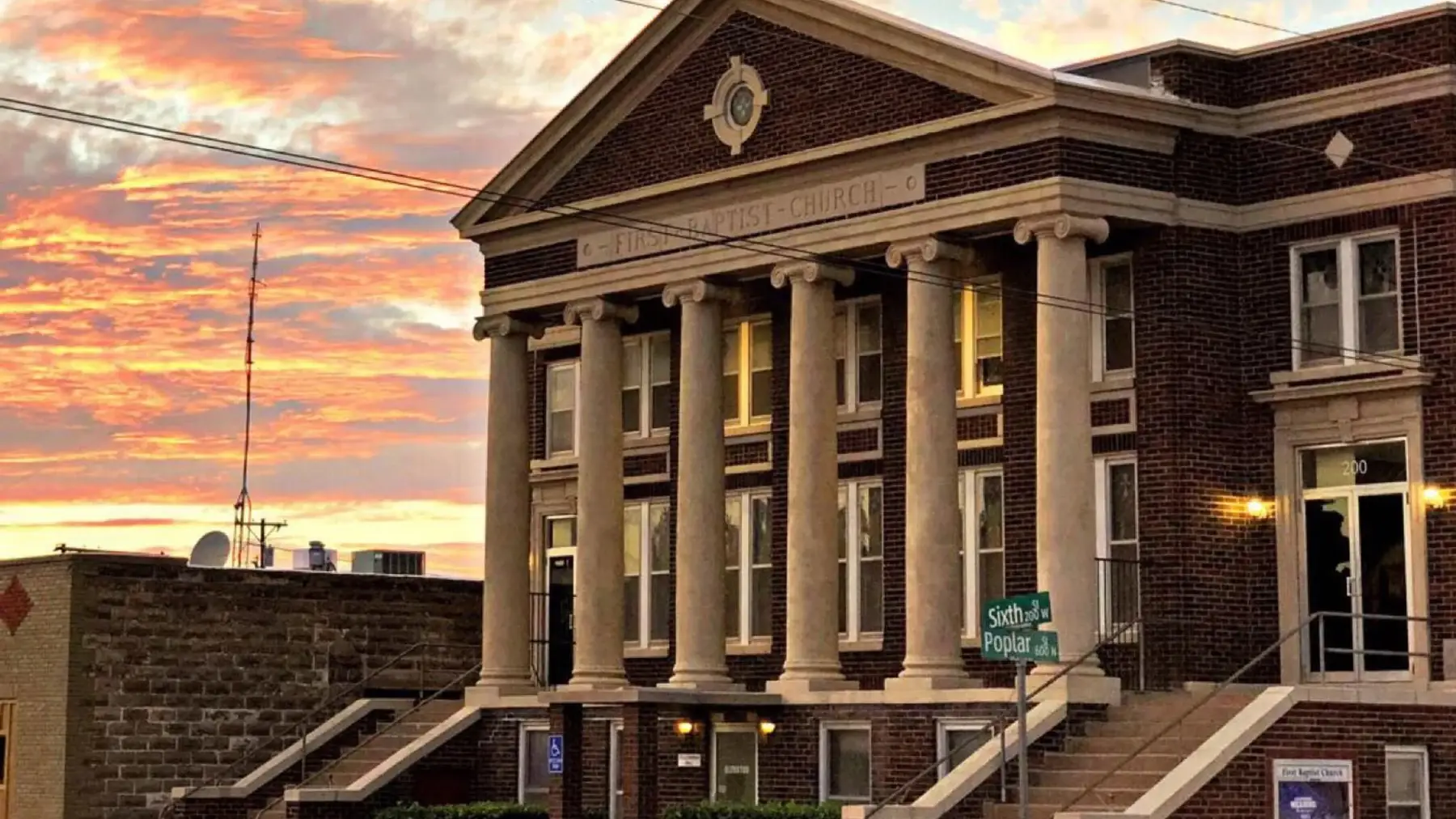
First Baptist Church of Newton in downtown Newton, Kansas.
A church network supports much more than Sunday morning internet access. Staff computers, children’s areas, livestream and sound equipment, printers, volunteers, guests, and public Wi-Fi all depend on infrastructure that is expected to work quietly in the background.
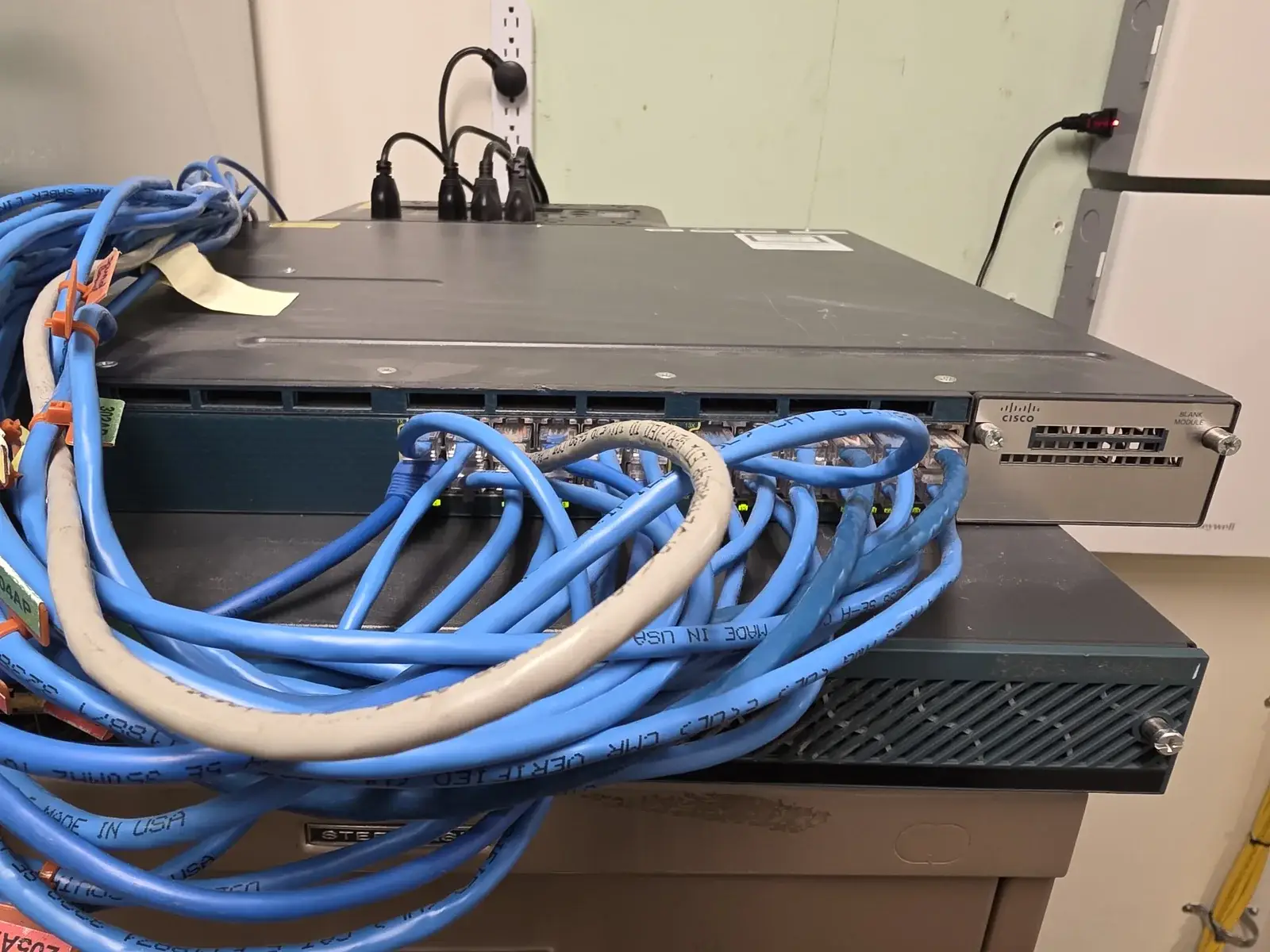
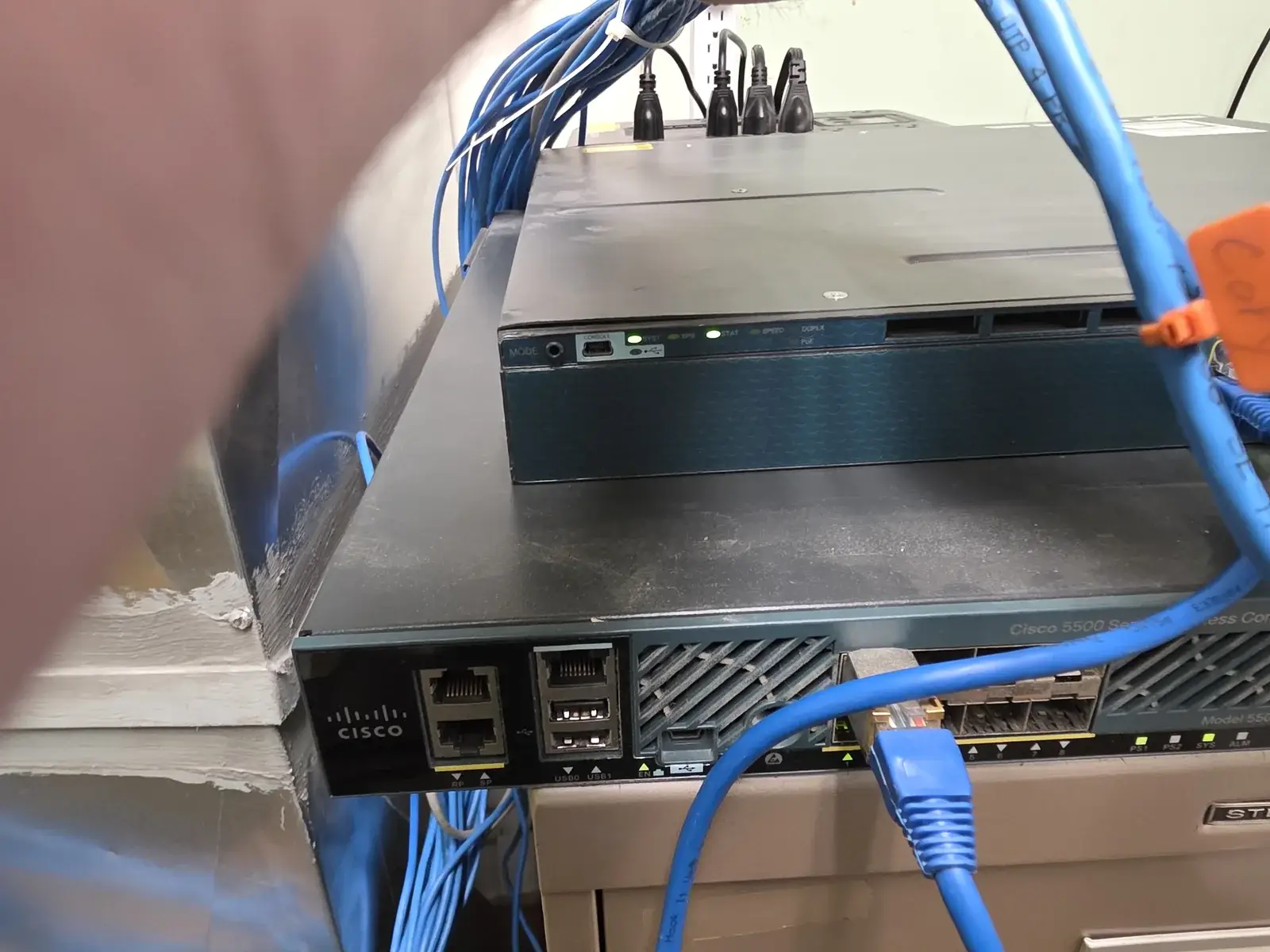
At FBC Newton, the network had grown over time into a difficult-to-manage mix of aging equipment, 17 legacy access points, roughly eight wireless network names, uncertain wiring, and little practical control over public access. Users were not always sure which Wi-Fi network they should choose, while the church had limited visibility into the health and security of the environment.
2Labs Tech documented the existing system, replaced the legacy wireless infrastructure with a centrally managed UniFi deployment, reorganized the rack and cabling, simplified Wi-Fi access, introduced network controls, and validated coverage after installation.
The Challenge
The problem was not simply old hardware. The larger issue was complexity without visibility.
- Seventeen legacy access points were distributed throughout the building.
- Roughly eight SSIDs created confusion about which network staff, ministry areas, and guests should use.
- Public wireless access lacked meaningful controls and separation from internal resources.
- The prior environment had no clearly documented firewall or security policy.
- Legacy switching and wireless-controller equipment made troubleshooting and ongoing management more difficult.
- Cabling and sound-booth connections needed to be traced carefully so important church systems were not disrupted.
- The primary internet connection was not delivering its expected performance.
Document First, Then Change
Before disconnecting equipment, 2Labs Tech documented AP locations, legacy network hardware, cable routes, office and children’s-area devices, and sound-booth connections. That reduced the risk of removing a connection that looked unnecessary but supported an important weekly workflow.
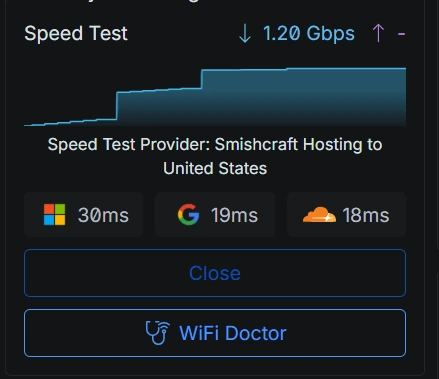
During installation, 2Labs Tech also found that the primary internet line had been spliced incorrectly. The fault appeared to limit throughput from the ISP router to about half of the expected service. Replacing access points alone would not have solved that bottleneck; the entire path from the ISP handoff through the rack and out to the building had to be checked. After the splice was corrected, the UniFi gateway recorded a 1.20 Gbps download test.
What 2Labs Tech Did
Rebuilt the network around central management
The legacy wireless controller and switching arrangement were replaced with a managed UniFi foundation. The new environment provides one place to see device health, connected clients, network performance, Wi-Fi status, and configuration.
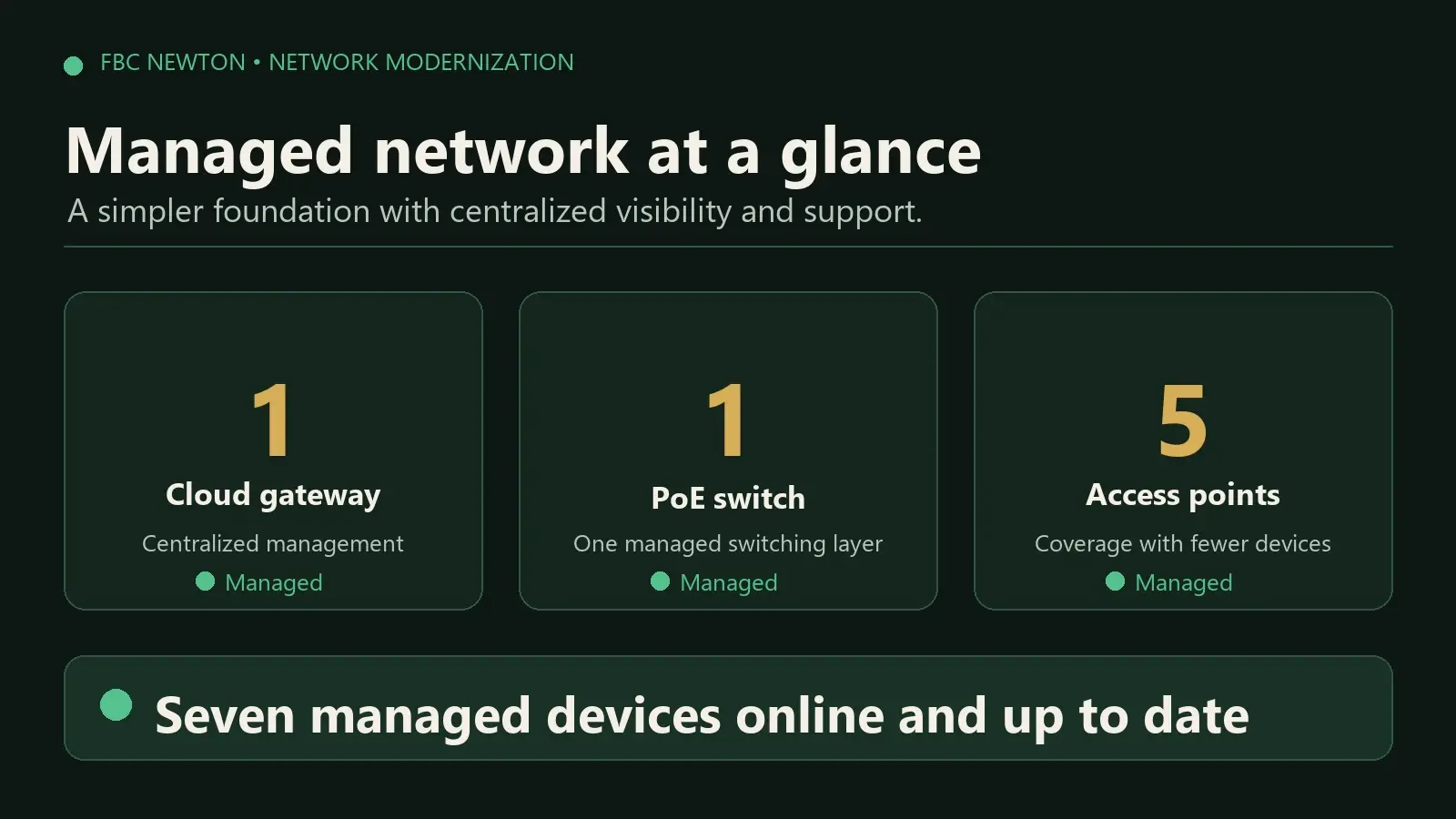
Reduced 17 access points to five
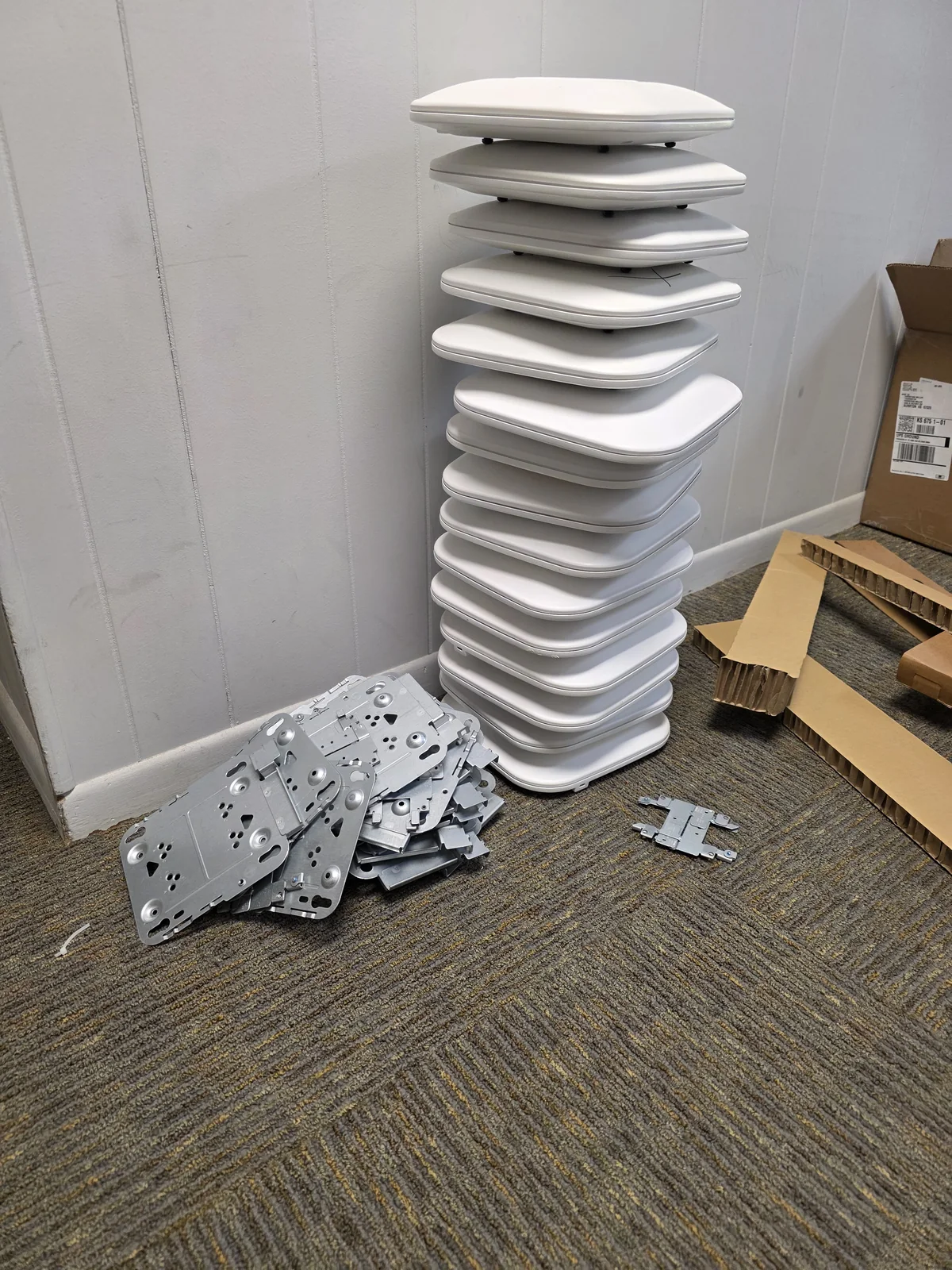
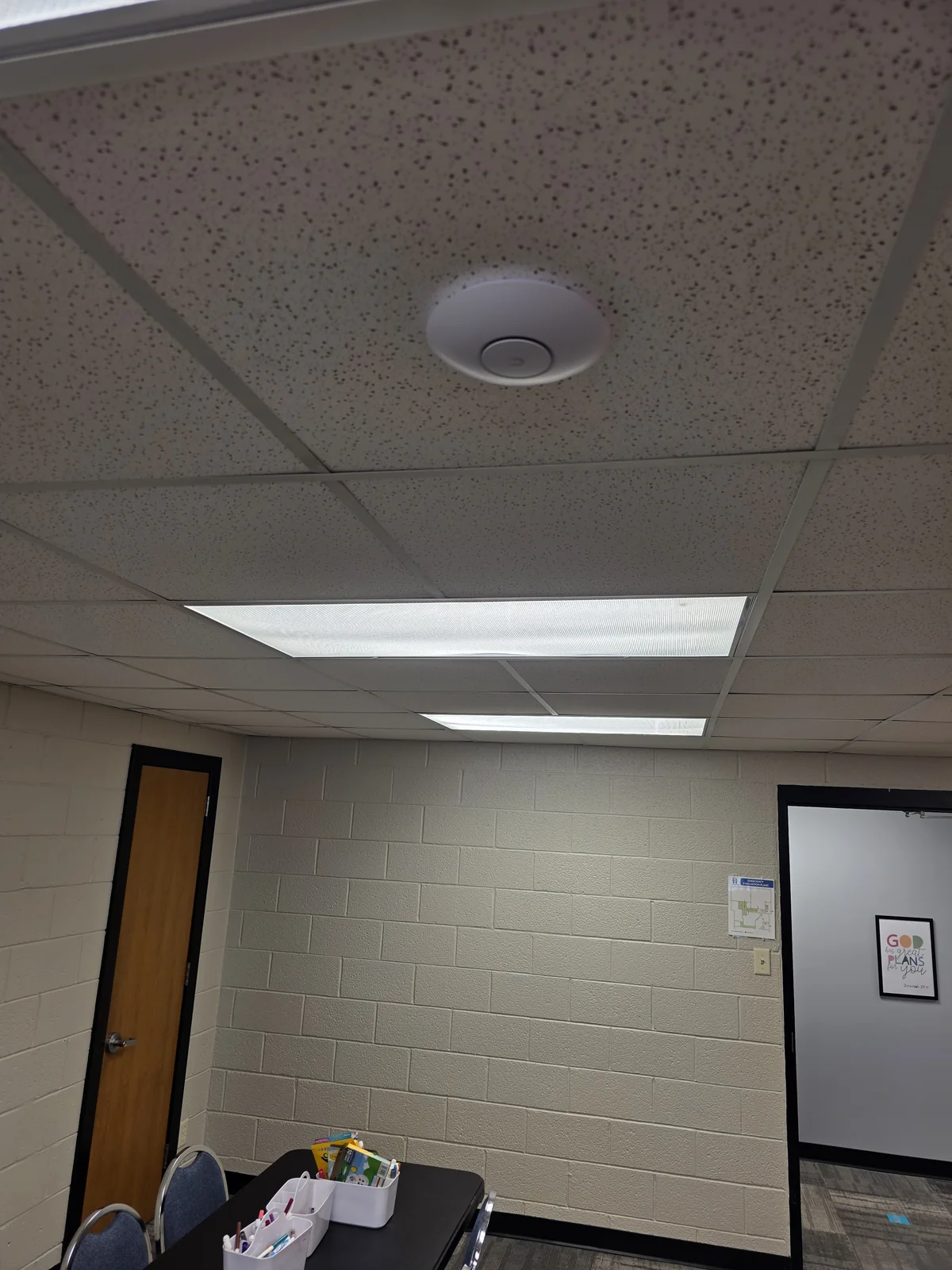
Instead of replacing every legacy AP one-for-one, 2Labs Tech used five strategically placed modern access points to cover the church. A post-installation Wi-Fi study confirmed good signal throughout the tested areas.
That reduced the deployed AP count from 17 to five—approximately 71% fewer active APs—while still meeting the church’s tested coverage needs. A sixth new AP remains available on-site for future expansion, an unexpected dead zone, or rapid replacement if an installed unit fails.
Simplified Wi-Fi choices
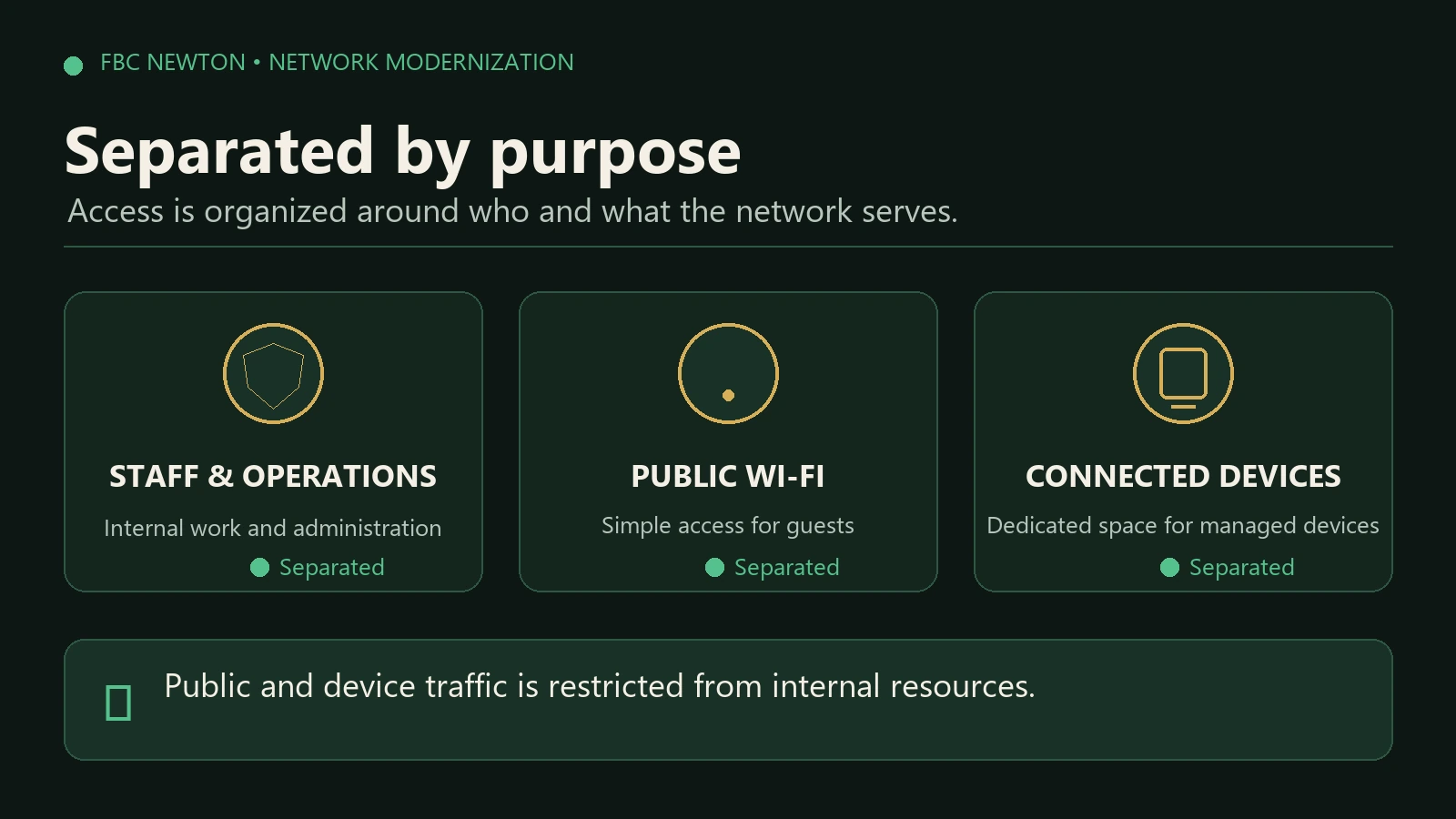
The legacy environment presented users with roughly eight SSIDs, making it unclear which network should be used. The replacement design consolidates wireless access to two intentional choices: FBC Newton for church operations and FBC Public for visitors.
Staff, ministry systems, managed devices, and public users no longer need to share an undifferentiated wireless environment. Public Wi-Fi can be controlled without creating unnecessary friction for visitors.

Added segmentation and public-network controls
The new design separates public access from internal church resources and introduces centrally managed network policies. This gives FBC Newton practical control over guest access, bandwidth use, and which resources different device groups can reach.
Reworked cabling and the network rack
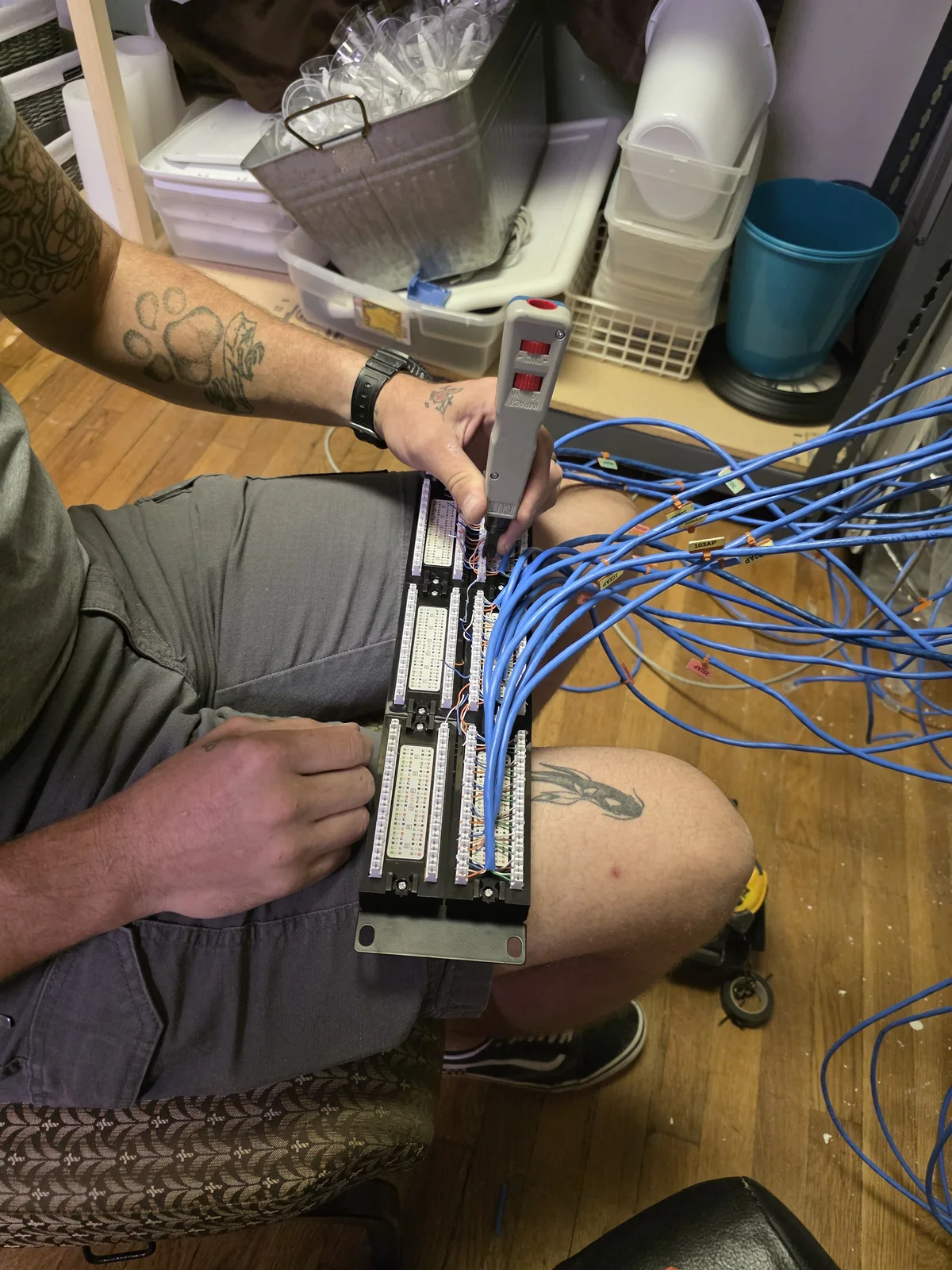
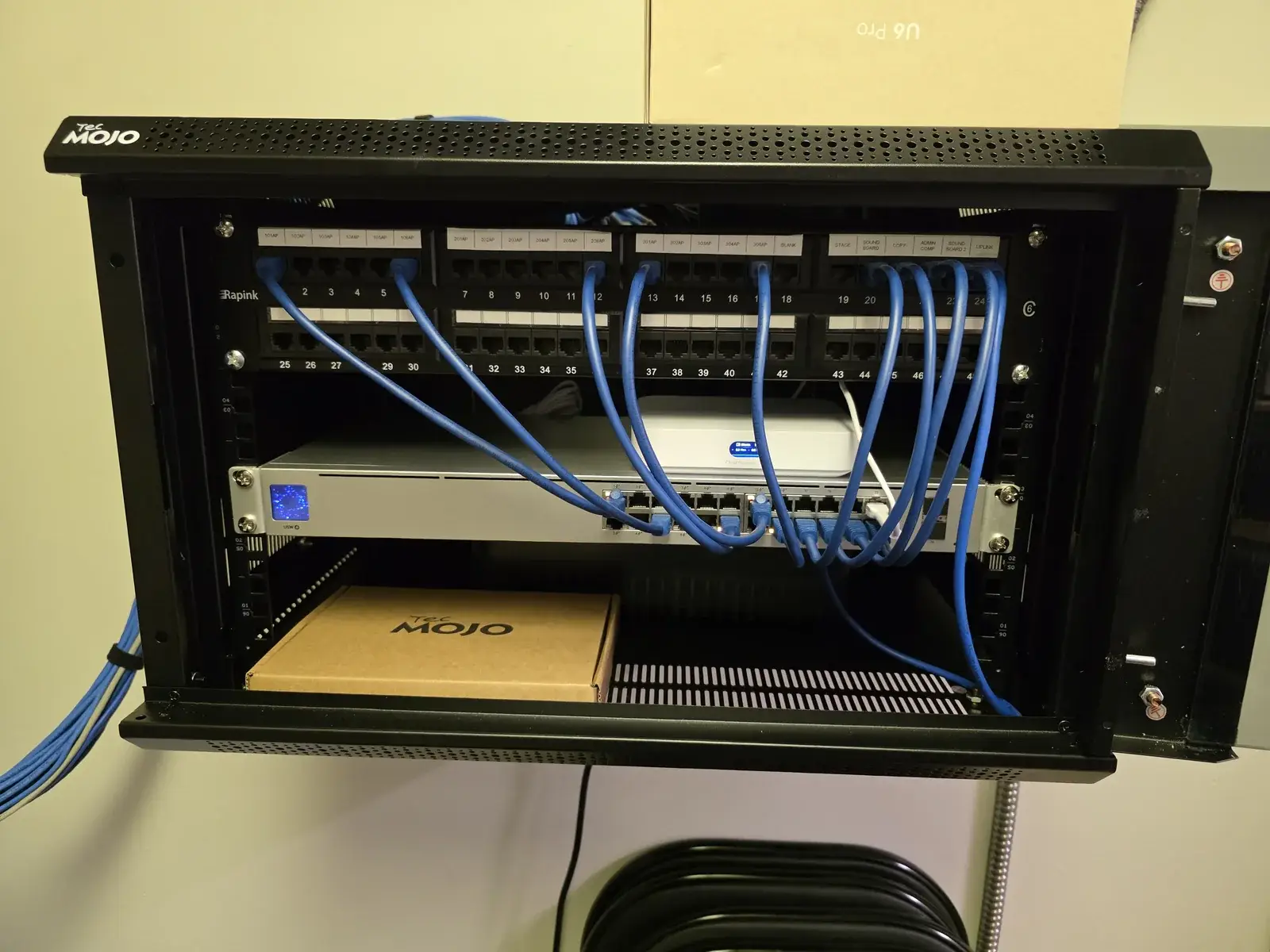
Cables were traced, repulled or re-terminated where necessary, connected through the patch panel, and organized into a cleaner rack. The finished installation makes it easier to understand what is connected, diagnose a failure, and make future changes without disturbing unrelated systems.
The Results
The project gave FBC Newton a simpler network that is easier to use, support, and expand.
Key Outcomes
- 17 to 5 deployed access points: approximately 71% fewer active APs without sacrificing good tested coverage.
- One ready spare: a sixth AP remains on-site for expansion or rapid replacement.
- Simpler Wi-Fi choices: roughly eight legacy SSIDs consolidated into two purpose-built networks.
- Controlled public access: guest traffic can be managed separately from internal church resources.
- Central visibility: the gateway, switch, APs, clients, and policies can be monitored from one managed platform.
- Cleaner infrastructure: organized rack, patching, and cabling make future support faster and less disruptive.
- Internet bottleneck corrected: a faulty splice that appeared to reduce ISP performance by roughly half was found during installation; afterward, the gateway recorded 1.20 Gbps download.
- Coverage validated: a post-install Wi-Fi study confirmed good signal throughout the tested areas.
The important result is not simply newer equipment. FBC Newton now has fewer unnecessary components, clearer wireless access, better control over public connectivity, and enough documentation and visibility to support the network responsibly going forward.
Is your network more complicated than it needs to be?
2Labs Tech helps churches, nonprofits, and rural Kansas organizations untangle aging networks, improve Wi-Fi coverage, and put practical management and security controls in place.